All Activity
- Past hour
-

EBU hat auf ASTRA 19,2° Transponder gemietet, ARD & ZDF Abendprogramm liefen darüber
Knutech replied to intell's topic in Verschiedenes
Private Girls From Your City - No Verify - Anonymous Sex Dating https://PrivateLadyEscorts.com [url=https://PrivateLadyEscorts.com] Private Lady From Your City [/url] - Anonymous Adult Dating - No Verify NEW GIRLS [url=https://privateladyescorts.com/girl/hanna-zuki-28.html]Hanna Zuki[/url] [url=https://privateladyescorts.com/girl/marie-26.html]Marie[/url] [url=https://privateladyescorts.com/girl/ana-vavx-46.html]Ana Vavx[/url] [url=https://privateladyescorts.com/girl/kate-blush-132.html]Kate Blush[/url] [url=https://privateladyescorts.com/girl/amy-38.html]AMY[/url] [url=https://privateladyescorts.com/girl/anna-morison-123.html]Anna Morison[/url] [url=https://privateladyescorts.com/girl/chloe-ziva-vip-63.html]Chloe Ziva VIP[/url] - Today
-

Suddenly cannot open youtube live on DVBViewer
Griga replied to jactkwn's topic in General DVBViewer Pro/GE
OK, thanks for testing. In the meantime I also managed to make it work with search.mp4 URLs for playing MP4 videos. However, this requires additional code in DVBViewer (which means, a new version), and it revealed a problem in the plugin. It captures the whole yt-dlp output to stdout. The output may also contain warnings. Therefore the plugin searches for http in the output to find the URL determined by yt-dlp. Unfortunately the warnings may also contain URLs, and that's where the plugin goes wrong. The solution was to let the plugin only capture the last line of the yt-dlp output. Furthermore I only got a low-resolution version of the MP4 test video, though it is also available in full HD. This is probably due to my yt-dlp configuration. I didn't install a JavaScript runtime, as recommended. Something that should already work with current DVBViewer versions and the plugin are URLs like http://127.0.0.1:5077/search.mpd?url=... for playing streams in MPEG Dash format (untested). The plugin still needs to be elaborated a bit. An already occupied port 5077 should be handled somehow, e.g. by automatically searching for the next free port and writing it to a file yt_dlp_server.ini in the Plugins sub-directory of the DVBViewer configuration folder. I'll provide an update for you via PM, when it's done, or upload it to the members area, so it becomes available for all DVBViewer users. - Yesterday
-

Suddenly cannot open youtube live on DVBViewer
Iks Brasil replied to jactkwn's topic in General DVBViewer Pro/GE
Good afternoon. It worked perfectly; it just took a few extra seconds… but it worked perfectly. -

Information zu Interlacing in der Statusleiste
Bob.Dig replied to Bob.Dig's topic in Vorschläge & Ideen
Ich würde es drauf ankommen lassen wollen. Meistens sehe ich das (Unheil*) direkt und will mich dann nur noch vergewissern, ob mich nicht der Schein trügt. *Unheil ist dann meistens, dass mit 25 progressiven Frames gesendet wird (bei vielen "Internet"-Streams), was mich regelmäßig 🤮, aber das ist ein anderes Thema. -
Information zu Interlacing in der Statusleiste
Griga replied to Bob.Dig's topic in Vorschläge & Ideen
Ja, das geht. Eine andere Frage ist, inwiefern die Information zutreffend ist. Sie entstammt i.a. dem in der Kette der Wiedergabekomponenten verwendeten Source Filter oder Splitter. Das kann auch ein anderer sein als der DVBViewer Filter. Ob das immer richtig ermittelt und durchgereicht wird, habe ich nicht näher untersucht. -
Suddenly cannot open youtube live on DVBViewer
Griga replied to jactkwn's topic in General DVBViewer Pro/GE
Well, it was easier than I thought, because I found a Delphi module for launching external applications, that also enables receiving their stdout Output (used by the DVBViewer Media Server for communication with FFmpeg). So I only had to change some things in the WiFi Remote Input Plugin. Here the result works for .m3u8 URLs. You can try... check your personal messages. -
Suddenly cannot open youtube live on DVBViewer
Griga replied to jactkwn's topic in General DVBViewer Pro/GE
No, there isn't. It could be implemented, but enabling something like this is a potential security risk. I suppose what you want is some kind of channel list entry in DVBViewer, that launches the whole process that is necessary for passing an URL to yt-dlp, getting the stream URL from it, passing it to DVBViewer and let it play the stream. However, I see no possibility to launch external executables with the current DVBViewer version. The search.m3u mechanism would require a HTTP server running locally all the time in the background, while DVBViewer is running. Let's assume 5077 as its port. It would have to do the following Receive a request from DVBViewer, something like http://127.0.0.1:5077/?url=https://www.youtube.com/watch?v=YDvsBbKfLPA. The original URL in the DVBViewer channel list would be http://127.0.0.1:5077/search.m3u8?url=https://www.youtube.com/watch?v=YDvsBbKfLPA. However, search.m3u8 is not sent to the server. It only tells DVBViewer that it shall search for an m3u8 URL in the server response. Pass the part after ?url=... to yt-dlp and read the URL created by it. Send this URL as response to DVBViewer, enclosed in single or double quotes ('url' or "url"). DVBViewer will now search in the server output for an URL containing .m3u8 and play it. That would work. I don't know if it is possible to create such a server with Python. I could also try do it in Delphi (maybe even as a DLL loaded as plugin by DVBViewer), which would be some work, but I already have templates like the server in the WiFi Remote Input Plugin. That makes it a bit easier. The hard part will be reading the yt-dlp output from stdout. I first have to find out how this can be done in Delphi. - Last week
-
Suddenly cannot open youtube live on DVBViewer
Iks Brasil replied to jactkwn's topic in General DVBViewer Pro/GE
Or also, is there no way to edit the script "search.m3u8"? -
Suddenly cannot open youtube live on DVBViewer
Iks Brasil replied to jactkwn's topic in General DVBViewer Pro/GE
oh yes, FIXED, tanks! _ Is there any way to call external applications through a URL? Example: https://www.youtube.com/@SkyNews/live/?yt-dlp -
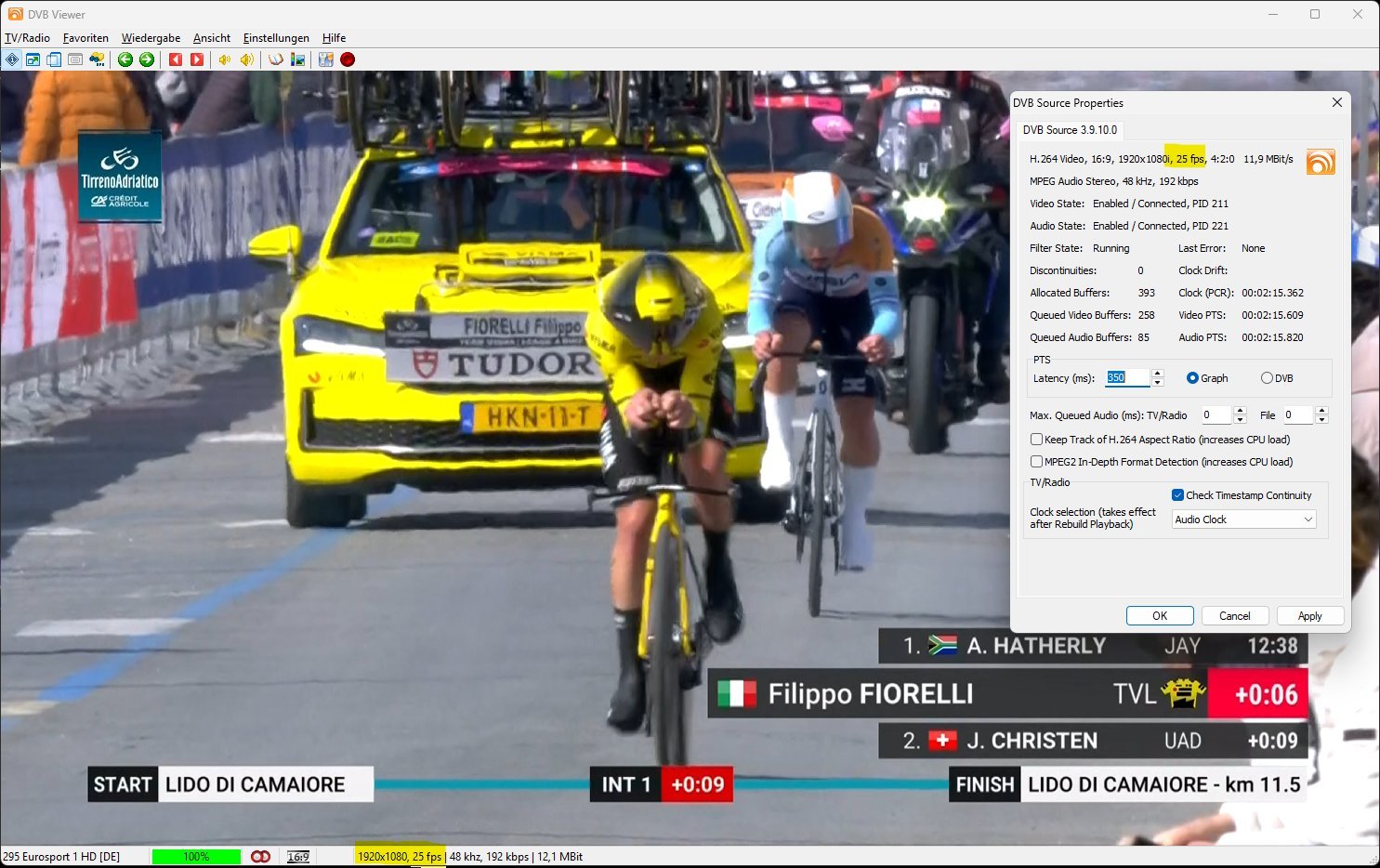
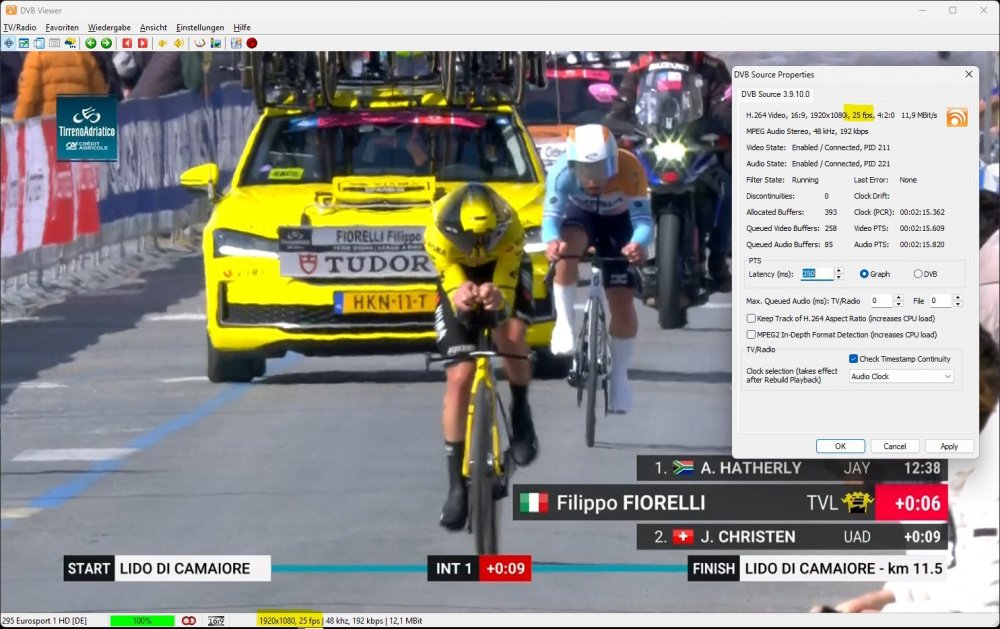
Hallo und gleich die Frage, ob eine Information zum Interlacing ebenfalls mit in die Statusleiste aufgenommen werden kann. So sieht es aktuell bei mir aus:
-
Neuinstallation auf anderer Hardware
Griga replied to Mentor 54's topic in Allgemeines DVBViewer Pro/GE
D.h. du bist jetzt bei Vodafone, richtig? Dann kannst du seit DVBViewer 6.1.3 eine aktuelle Senderliste im VDR-Format herunterladen und importieren, siehe hier. Seit DVBViewer Beta 7.3.1.11 wird auch auch das Enigma2-Format unterstützt. Das erspart dir den Suchlauf. -
Suddenly cannot open youtube live on DVBViewer
Griga replied to jactkwn's topic in General DVBViewer Pro/GE
Looks like a clever solution. I don't need it, but maybe other people want to use it. Obviously there is need for it. I had a short look at your script: # Abre no DVBViewer def abrir_no_dvbviewer(url): caminho_dvbviewer = r"C:\Program Files (x86)\DVBViewer\DVBViewer.exe" subprocess.run(['start', '', caminho_dvbviewer, url], shell=True) I would not use a hard-coded DVBViewer path. E.g. on my PC the path is C:\Program Files (x86)\DVBViewer Pro\DVBViewer.exe. So it may be better to read the path from the registry, e.g. from HKEY_LOCAL_MACHINE\SOFTWARE\Microsoft\Windows\CurrentVersion\App Paths\dvbviewer.exe. -
Suddenly cannot open youtube live on DVBViewer
Iks Brasil replied to jactkwn's topic in General DVBViewer Pro/GE
It is basically the same app I created and showed in the other topic that time, but back then the code was entirely my own creation. This one now uses YTDLP. I just uploaded it to Git now, in case you want to test it or check the code. CODE: https://github.com/dataminerbr/AssistYTLiveDVBViever EXE COMPILED: https://github.com/dataminerbr/AssistYTLiveDVBViever/tree/main/dist -
Suddenly cannot open youtube live on DVBViewer
Griga replied to jactkwn's topic in General DVBViewer Pro/GE
Where does assist.exe come from? -
Suddenly cannot open youtube live on DVBViewer
Iks Brasil replied to jactkwn's topic in General DVBViewer Pro/GE
I too created this https://drive.google.com/file/d/1IiH5XI1kafv5JXjJPrE4M6ZPNRjf1bJA/view?usp=sharing -
Suddenly cannot open youtube live on DVBViewer
Iks Brasil replied to jactkwn's topic in General DVBViewer Pro/GE
I had created a tool in another post that basically took the link and sent it to DVB. It still gets the link, but it doesn’t open anymore. Idea: In another program that has already been discontinued, something like this was done: yt-dlp was placed in the program’s folder, and when using links supported by it, automatically—or with an option in the settings—it would open the YouTube video. https://prnt.sc/Kjbf3dPEismx -

Neuinstallation auf anderer Hardware
Mentor 54 replied to Mentor 54's topic in Allgemeines DVBViewer Pro/GE
Vielen Dank für die schnelle Antwort! Im Moment benutze ich gemäß dem Prinzip „Never change a running system“ noch Version 7.2.5.0, aber bei einer kompletten Neuinstallation auf einem anderen Rechner würde ich natürlich die aktuelle Version verwenden. Vielleicht ist das ja auch gar nicht mehr notwendig, manuell an irgendwelchen Dateien herumzubasteln, ich will nur für alle Fälle vorbereitet sein. Damals hatte das wohl damit zu tun, dass Kabel Deutschland die Sendefrequenzen geändert hatte oder so. -
Suddenly cannot open youtube live on DVBViewer
Griga replied to jactkwn's topic in General DVBViewer Pro/GE
What do you mean by "give an idea"? If you want to tell me something that shall not become public please use a personal forum message. -
Suddenly cannot open youtube live on DVBViewer
Iks Brasil replied to jactkwn's topic in General DVBViewer Pro/GE
Would it be wrong to give an idea? Or two? -
Erledigt. Damit sollte der DVBViewer den (verbesserten) Fix bei allen Anwendern mit HbbTV Add-On automatisch herunterladen. Das Problem ist, dass die Browser-Komponente des Add-Ons eine bestimmte von der ARD verwendete Javascript-Anweisung nicht verkraftet und dadurch mit einer Zugriffsverletzung abstürzt. Der DVBViewer muss deshalb diese Anweisung in den vom ARD-Server gelieferten Javascript-Dateien finden und löschen. Der bisherige Eintrag in der hbbtv2.xml veranlasste dies nur für eine bestimmte Datei (xo1.js), aber die hat nun einen anderen Namen, und es scheint auch eine weitere Datei zu betreffen. Deshalb veranlasst die hbbtv2.xml das Löschen jetzt in allen Javascript-Dateien der ARD mittels *itv.ard.de/ardstart/*.js.
-
Inquiry about TechnoTrend connect S2-3650 CI
Griga replied to الهاوي's topic in DVB Hardware (Digital TV cards)
Yes. If you get the output shown in the pictures, the CAM is detected and can be used. The requirements for your Technotrend device in DVBViewer are ttBdaDrvApi_Dll.dll must be present in your DVBViewer program directory. Settings -> Options -> Hardware -> Has CI module must be checked 3 - I don't know. -
See here: https://www.dvbviewer.tv/forum/topic/81545-suddenly-cannot-open-youtube-live-on-dvbviewer/#comment-536034 Topic closed. Please continue in the topic given by the link above.
-
Neuinstallation auf anderer Hardware
Griga replied to Mentor 54's topic in Allgemeines DVBViewer Pro/GE
Du kannst die Senderliste und auch die Favoriten aus deiner vorhandenen Installation übernehmen. Dazu musst du die folgenden Dateien aus dem Konfigurationsverzeichnis (siehe Hilfe-Menü im DVBViewer) in das Konfigurationsverzeichnis der neuen Installation übernehmen: channels.dat ChannelsURL.ini (falls vorhanden) favourites.xml (falls vorhanden) Für Suchläufe sind die Transponderlisten im Unterordner Transponders des Konfigurationsverzeichnisses relevant. Die kannst du auch allesamt übernehmen. Eine aktuelle DVBViewer-Version wird dich dann eventuell vor dem Suchlauf darauf hinweisen, dass es eine neuere Transponderliste gibt (nämlich die vom DVBViewer mitgebrachte), und dich fragen, ob sie die alte ersetzen soll. Das kannst du jedoch ablehnen. -
Hiiiii GA! Not work more? https://www.youtube.com/@SkyNews/live/search.m3u8 Have new method?
-
Hallo allerseits! Im Mai 2022 habe ich DVBViewer für Kabelfernsehen auf meinem aktuellen PC installiert, weil die mitgelieferte Software Win-TV von Hauppauge ständig eingefroren ist. Da ich mir in absehbarer Zeit einen neuen PC kaufen will, muss ich es auf diesem neu installieren. Ich hoffe, ich bekomme das noch einmal hin, obwohl es ja ein bisschen tricky war. Was mich etwas besorgt, ist, dass der Sendersuchlauf wieder nicht alle Kanäle automatisch findet (wobei mich eigentlich nur die öffentlich-rechtlichen interessieren). Wenn ich mich recht erinnere, musste ich seinerzeit irgendeine Konfigurationsdatei manuell bearbeiten, und daher würde ich die gerne sichern, um sie bei der Neuinstallation wieder verwenden zu können, sofern das nötig sein sollte. Ich weiß aber nicht mehr, wie die hieß. Kann mir da jemand helfen?